What’s New With 3.0?
This update is significant as it builds on what made Kling 2.6 so successful.
15 second generations
Custom Multi-Shot
1080p footage, multiple results at once
Native audio has improve to contain multiple dialogue
Character references, and Kling Omni has improved
Stronger prompt and image adherence
Here is the detail behind all the new features:
The Best Key Features
This video covers all of the major releases in detail for Kling 3.0:
TAKE CONTROL OF YOUR VIDEOS WITH CUSTOM MULT-SHOT

Kling 3.0 Multi-Shot gives you all the control
With Custom Multi-Shot, you can break down your video into seconds and prompt specifically for what happens.
This works especially well with image-to-video flows where you can see new scenes, from new angles, using Multi-Shot.
Change the dialogue, where your character is located, the scene or even just adjust a camera angle before you press generate.
This feature is a huge step forward in helping users control their outputs instead of just a single one time prompt.
CHARACTER CONTROL

Use Kling Omni Image Generation to Help!
Creating a character, or product element, in Kling 3.0 opens a whole new level of consistency.
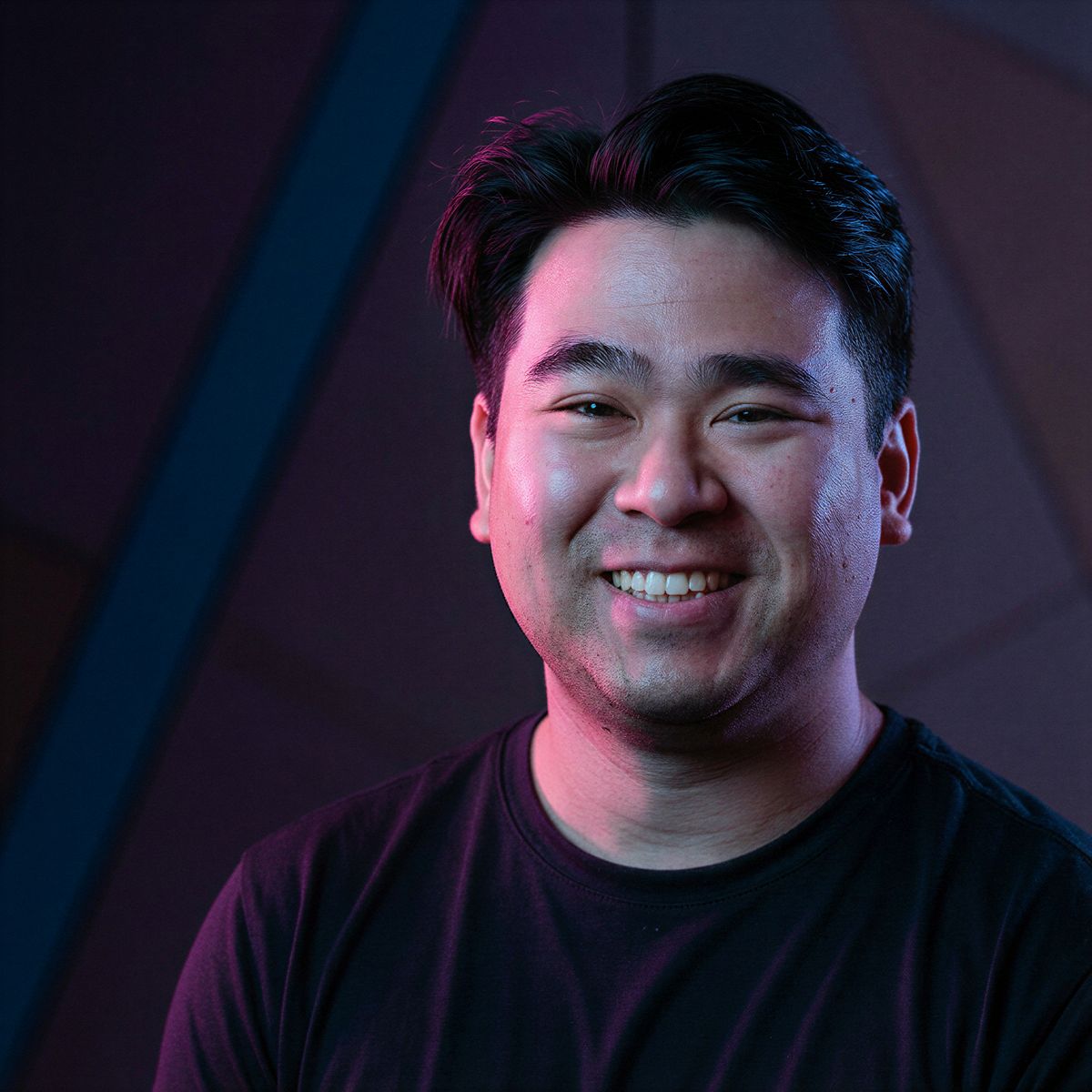
From my launch video, I was able to bring my own self into multiple scenes just from 3-4 images. You can also provide a voice to the character too and reference them in your prompt in Kling Omni.
When creating your character, you can use Kling Omni 3.0 Image Generation to help you get new angles for the model.
Omni specializes in modification and character references, you can access Multi-Shot here as well too, and continue to reference your character as well.
It’s recommended here to make sure the images you use are clear so Kling 3.0 can accurately reflect them in the video.
Whether it’s for vlog content, cinematic footage or b-roll, character references have become super strong thanks to Kling 3.0!
AI TOOL DISCOUNTS
Want to dive into some AI tools, here are some codes:
Freepik: https://referral.freepik.com/mQI968S
Runway Code: JERROD25

